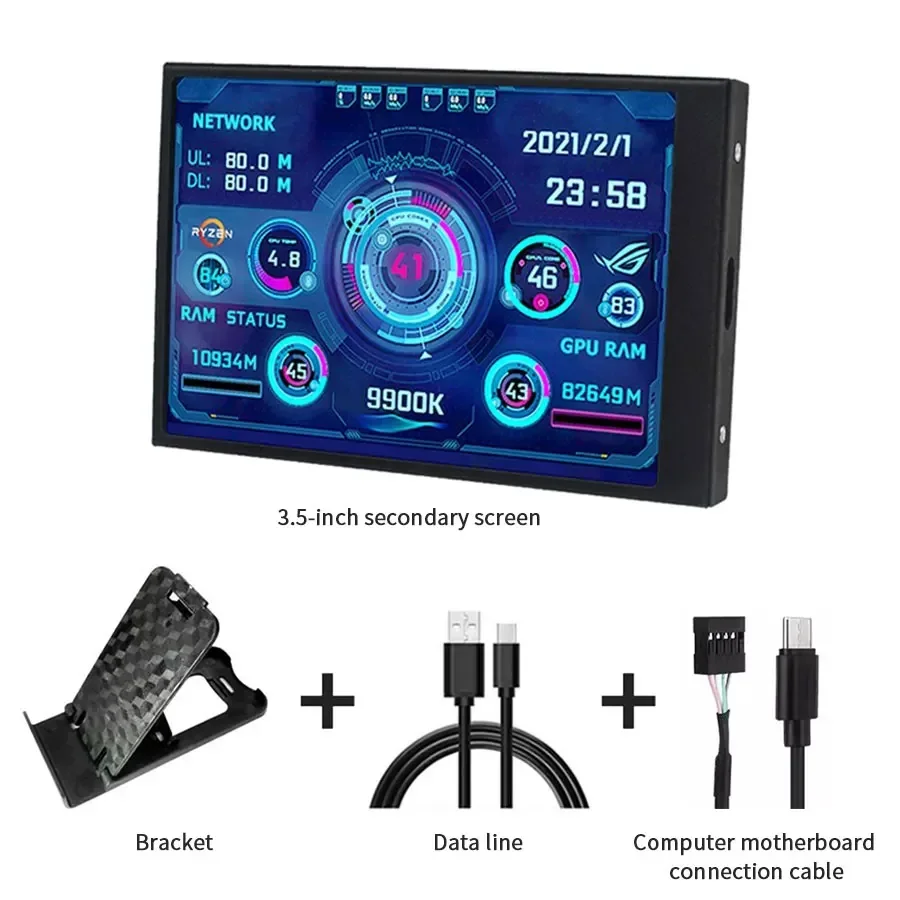
3.5 inch Mini IPS USB Type C Secondary Screen CPU GPU RAM HDD Computer Monitor Display LCD Monitor Windows 8/10/11 Freely AIDA64


3.5 inch Mini IPS USB Type C Secondary Screen CPU GPU RAM HDD Computer Monitor Display LCD Monitor Windows 8/10/11 Freely AIDA64
SPECIFICATIONS
Accessory Type: LCD Screen
Battery Included: No
Brand Name: GGBEE
Choice: yes
Compatible With: Windows
High-concerned chemical: None
Origin: Mainland China
Typical Application Fields: Other Fields
Specifications:
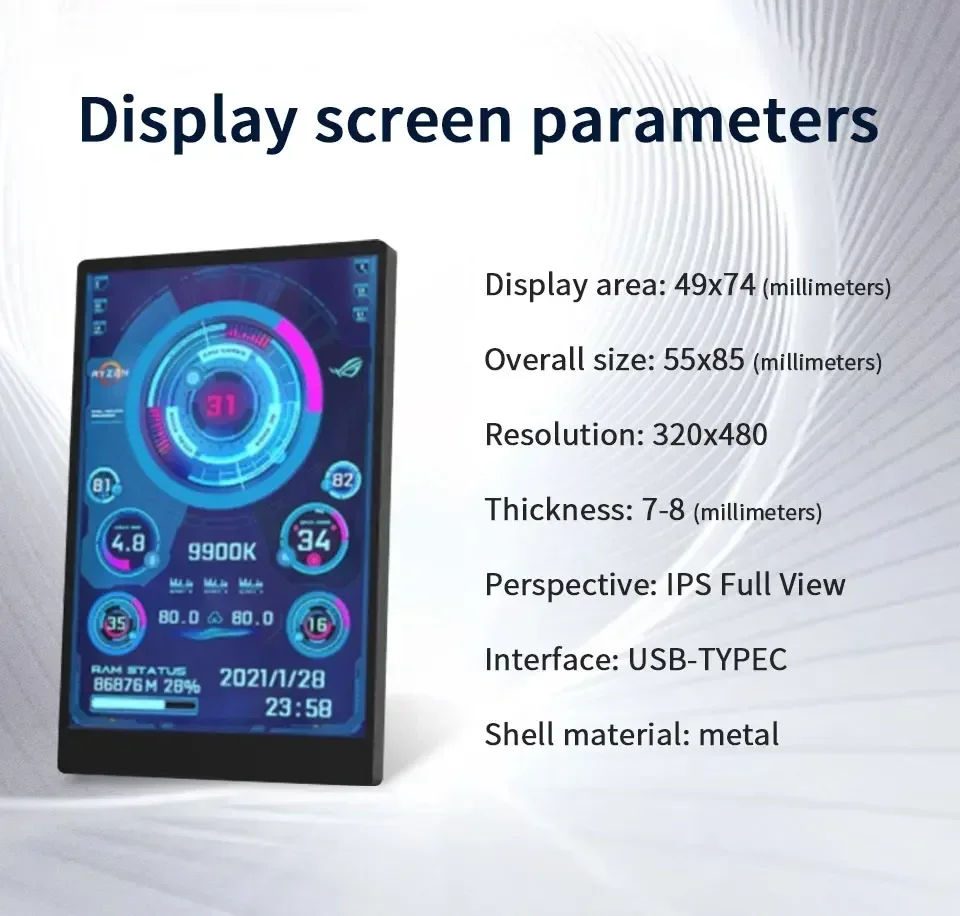
Display area: 49*74mm
Size: 55*85mm
Resolution: 320*480
Thickness: 7 --8 mm
Viewing angle: ips full viewing angle
Interface: USB-TYPEC
Shell material: metal
Features:
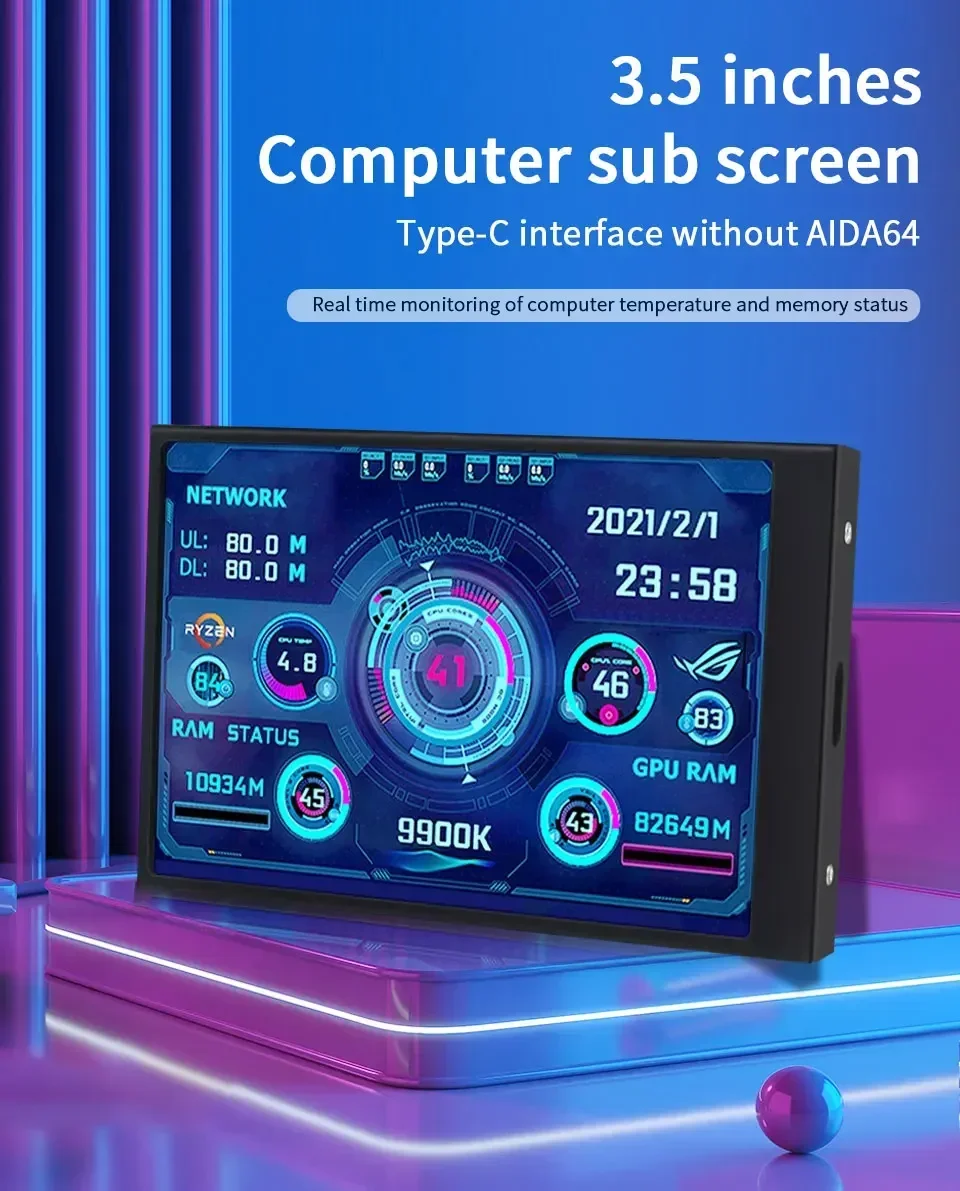
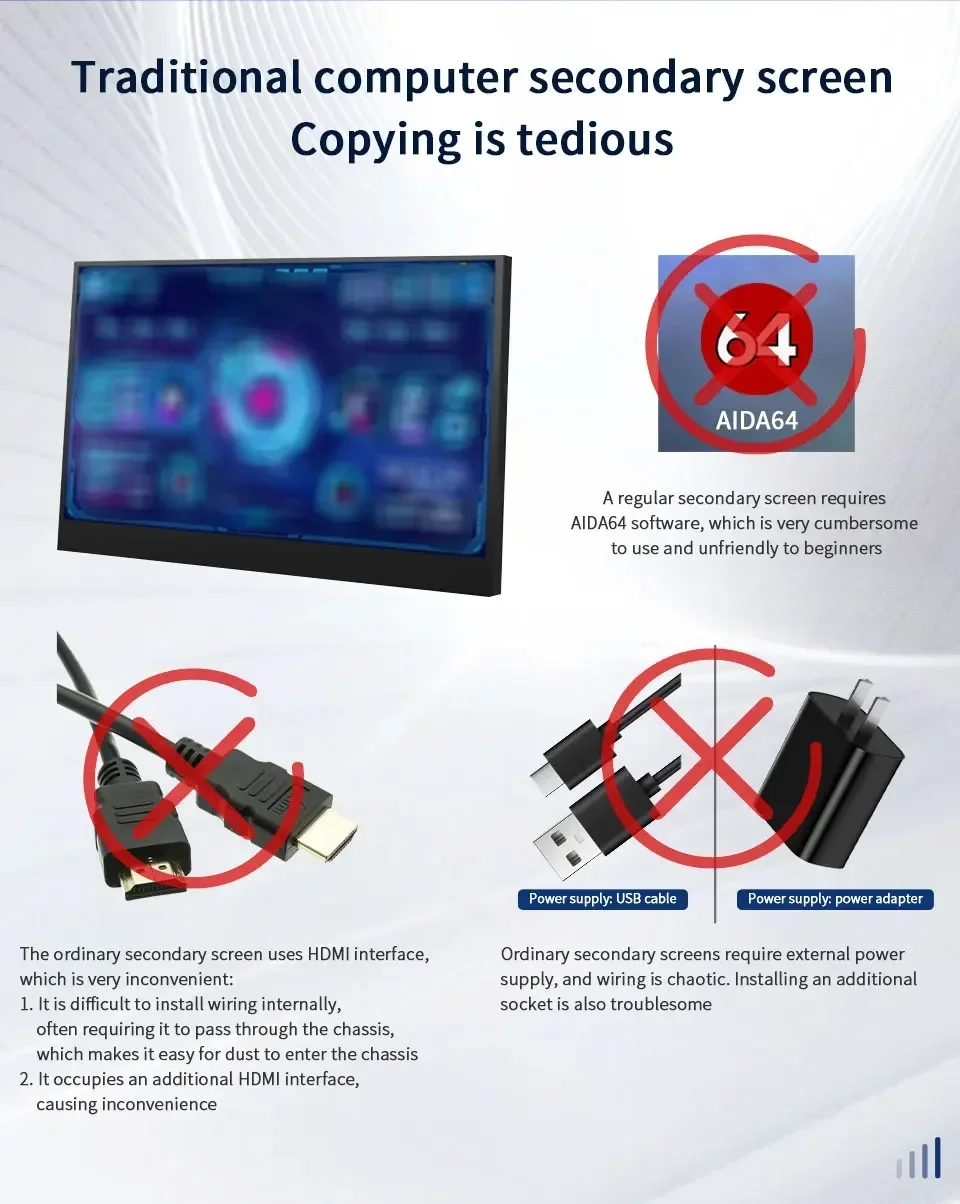
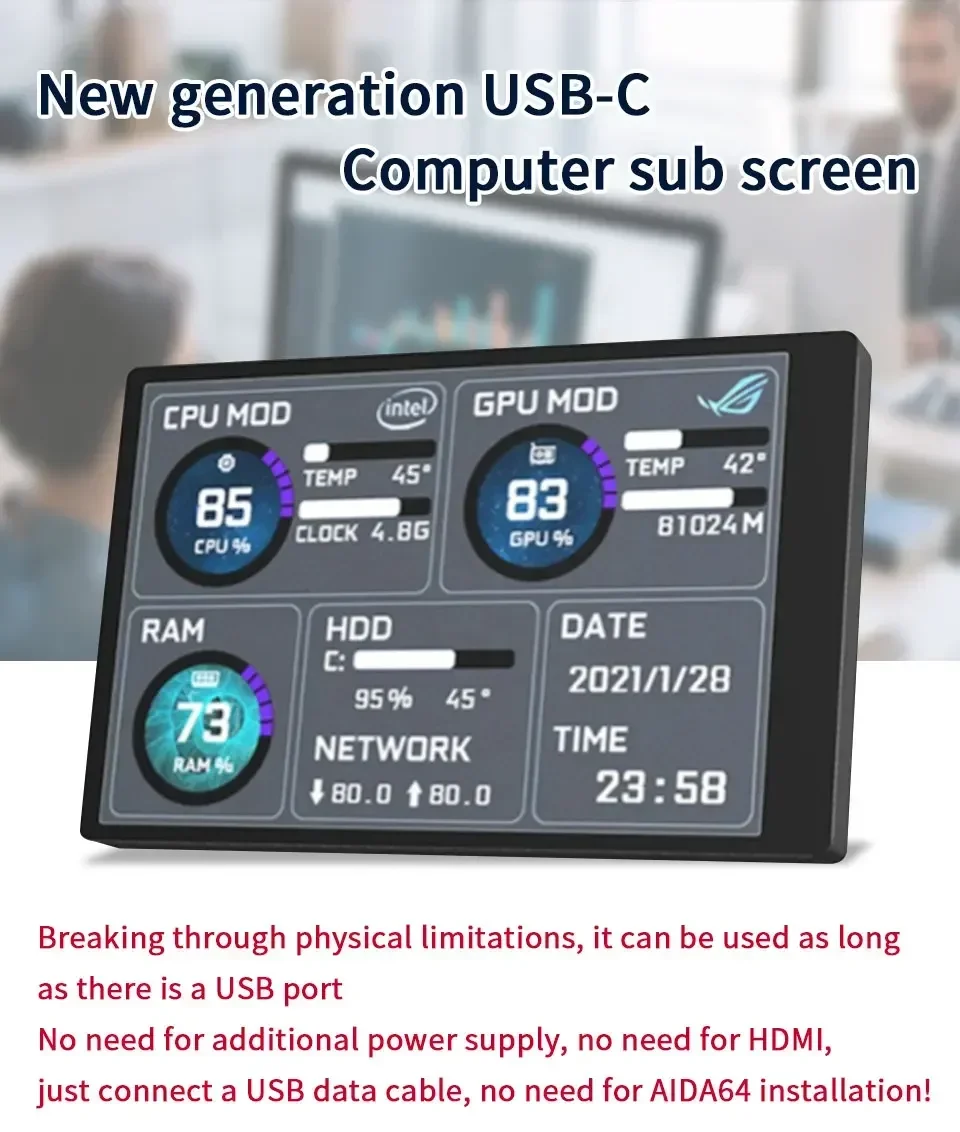
- No additional power supply required and no HDMI required. Just a USB cable
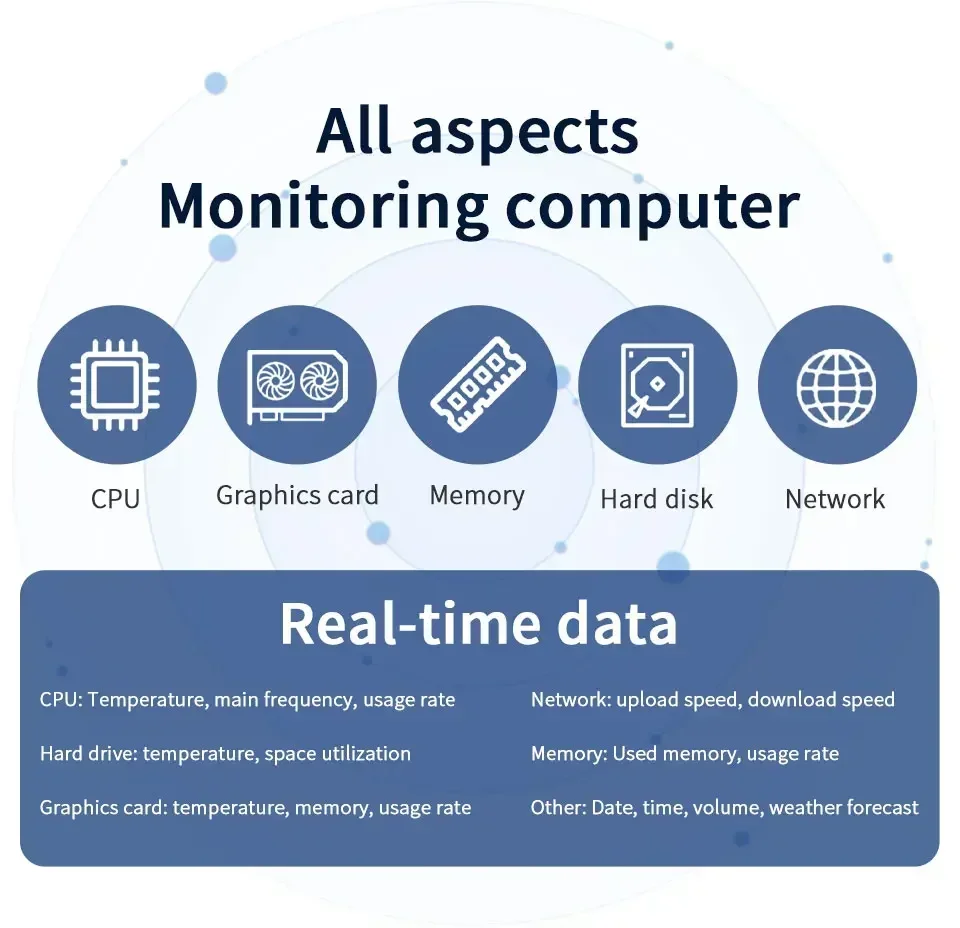
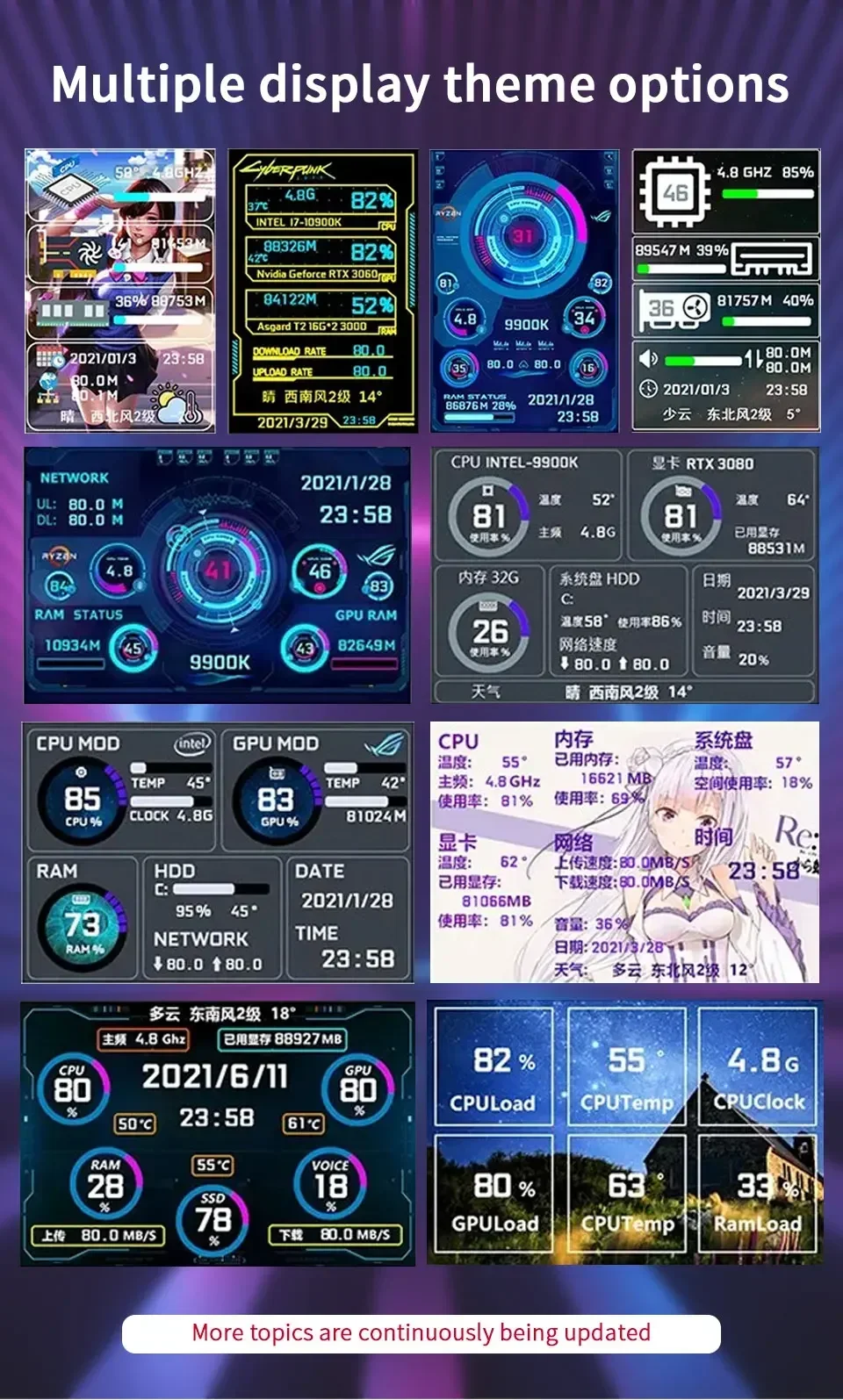
- 3.5-inch multi-theme display
- Support horizontal and vertical screen switching, 360 degree rotation
- Energy saving and environmental protection, automatic shutdown screen
- Comfortable eye protection, steppless adjustment of screen brightness
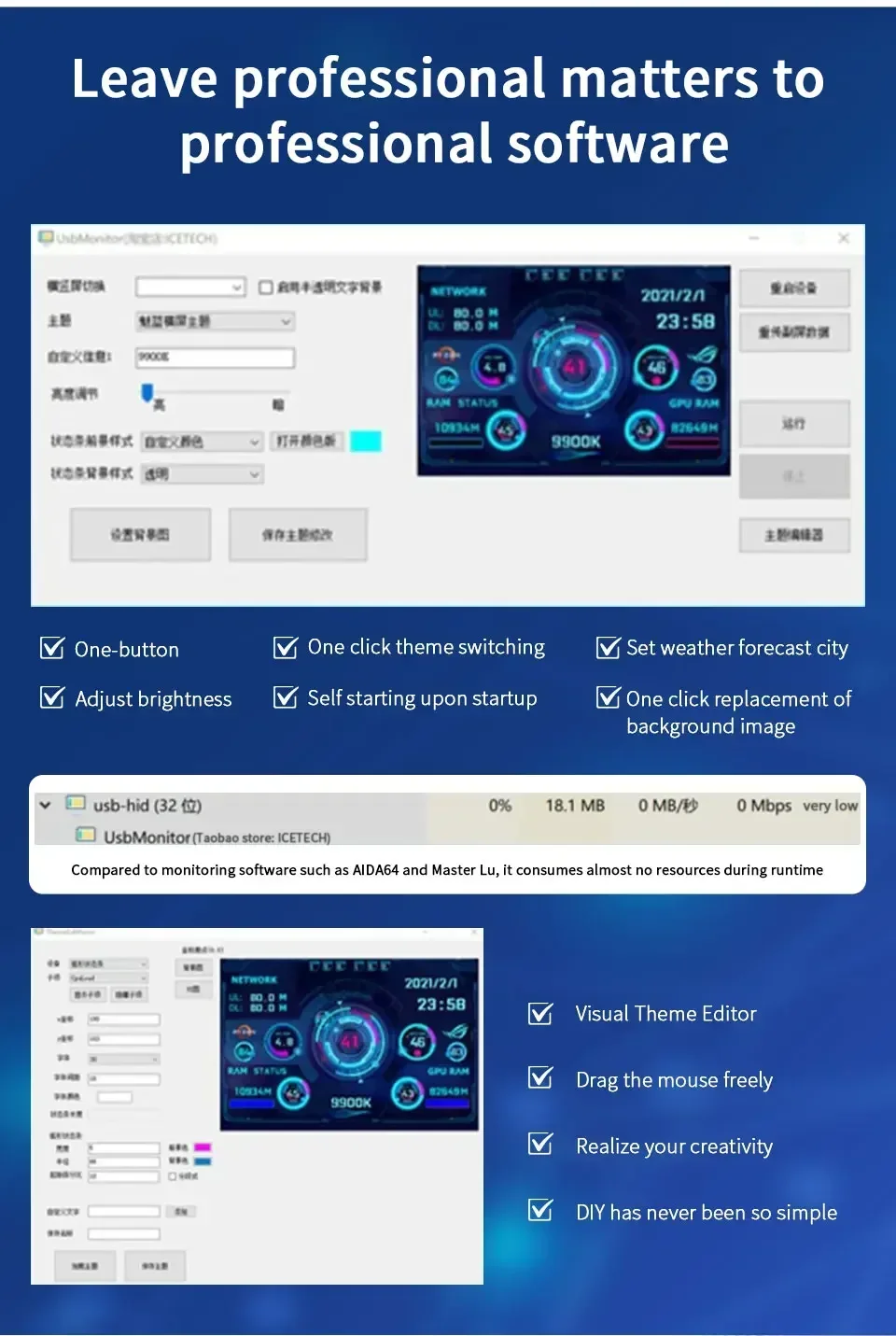
- One-click operation, change the background image, switch themes
- Auto start at boot
- Set weather forecast city
- Compared with monitoring software such as AIDA64, it takes almost no resources when running
- Visual theme editor, drag the mouse to realize your creativity
- Supports Windows 7, 8, 10, 11 systems.
- Type-C is connected to the secondary screen, USB is connected to the computer, comes with a rice cable
NOTE:
【Software download link】
1.https://lgb123-1253504678.cos.ap-beijing.myqcloud.com/35inchENG.rar
2.https://lgb123-1253504678.cos.ap-beijing.myqcloud.com/35inchNEW.rar
HOW TO USE:
1. How to use?
Connect the mini secondary screen to the computer, then start our custom software, no need for aida64, no other complicated settings
2. Why does the graphics card data not move?
The average laptop user typically uses a separate monitor in standby and only uses the core monitor to save power, while the secondary monitor monitors the most important separate monitor. Of course, the graphics card monitoring data has not changed.
3. Can other content be displayed?
No, only the content of custom software settings can be displayed
4.usb interface version?
usb1.0 usb2.0 usb3.0 unlimited as long as it is usb
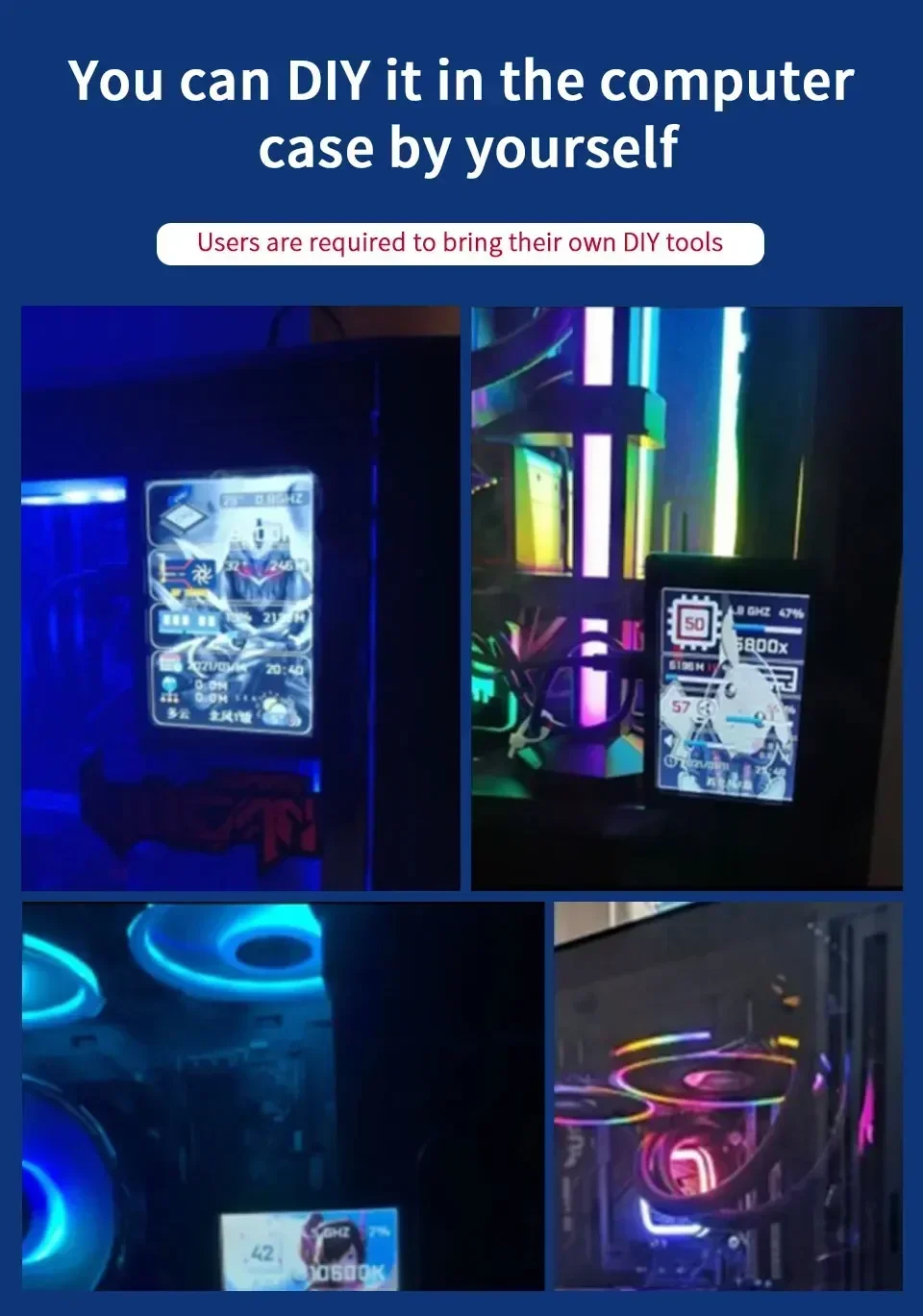
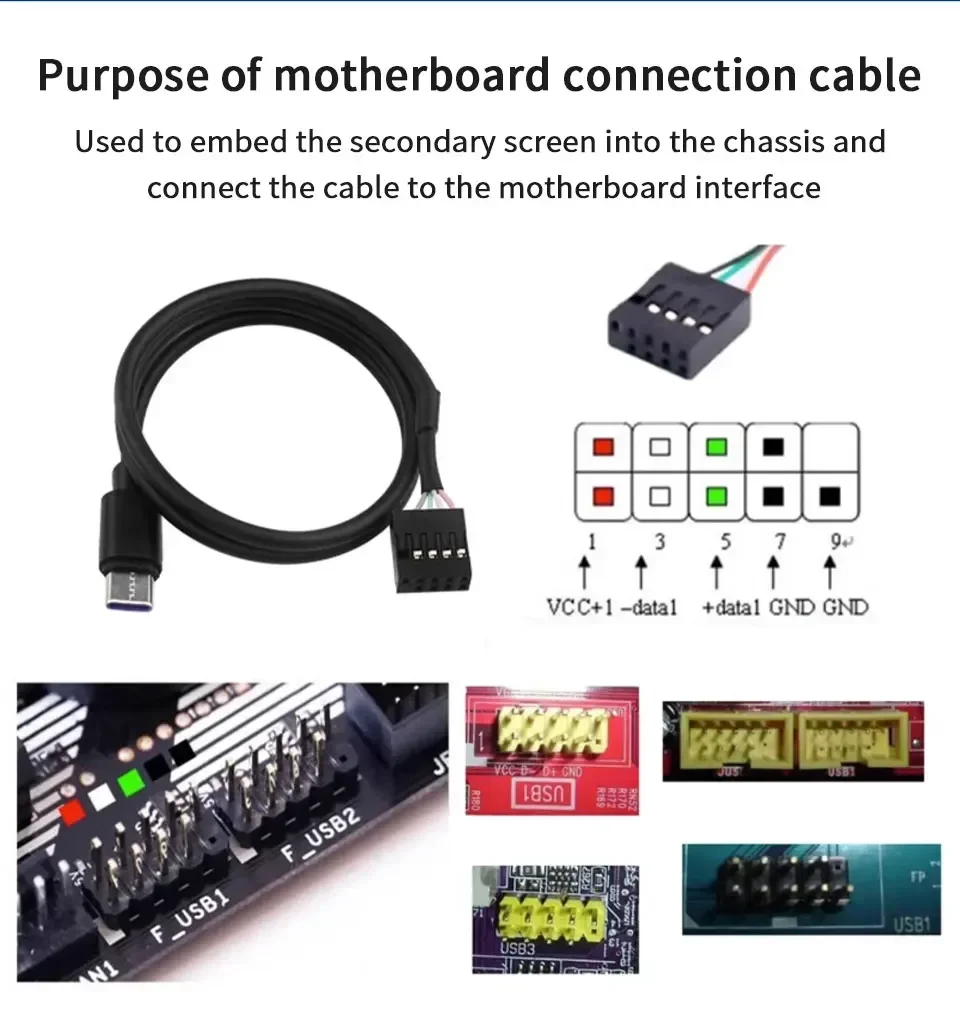
【Packing List】
Option 1:
1 x 3.5 inch IPS Screen
1 x USB TYPE-C Cable
1 x Bracket
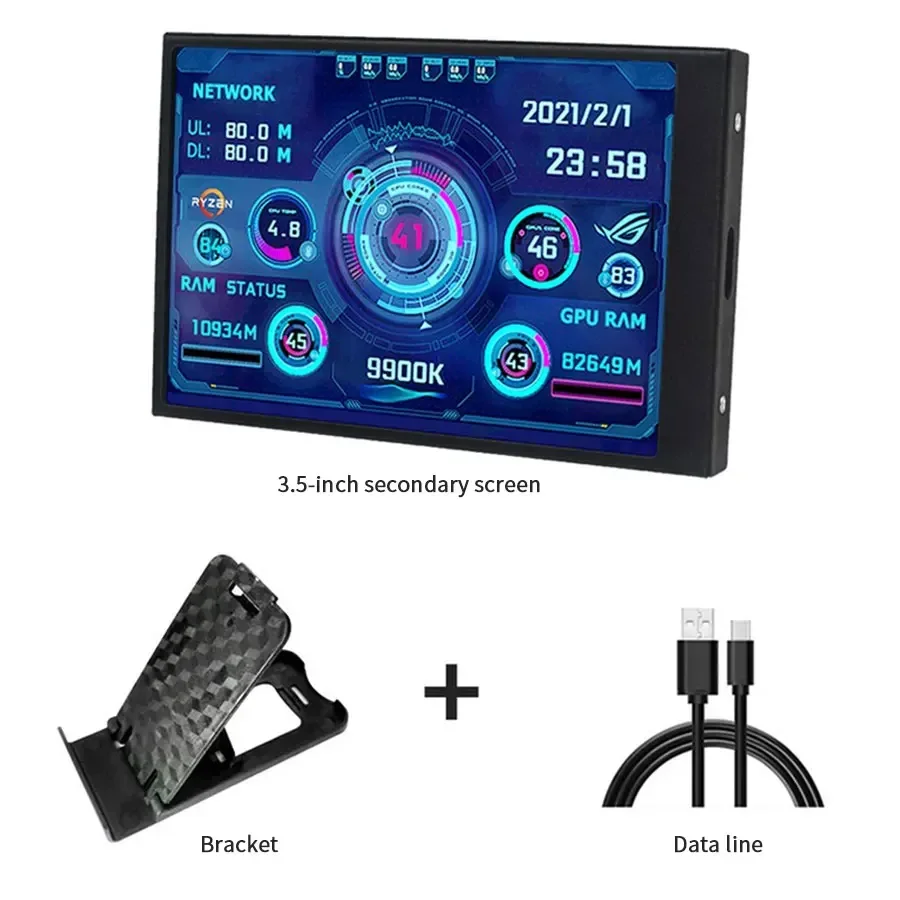
Option 2:
1 x 3.5 inch IPS Screen
1 x USB TYPE-C Cable
1 x Bracket
1 x Computer motherboard connection cable